
Manuscript · Formatting
KDP margins, gutter and bleed: the exact settings for print books
September 25, 2026 · 7 min read
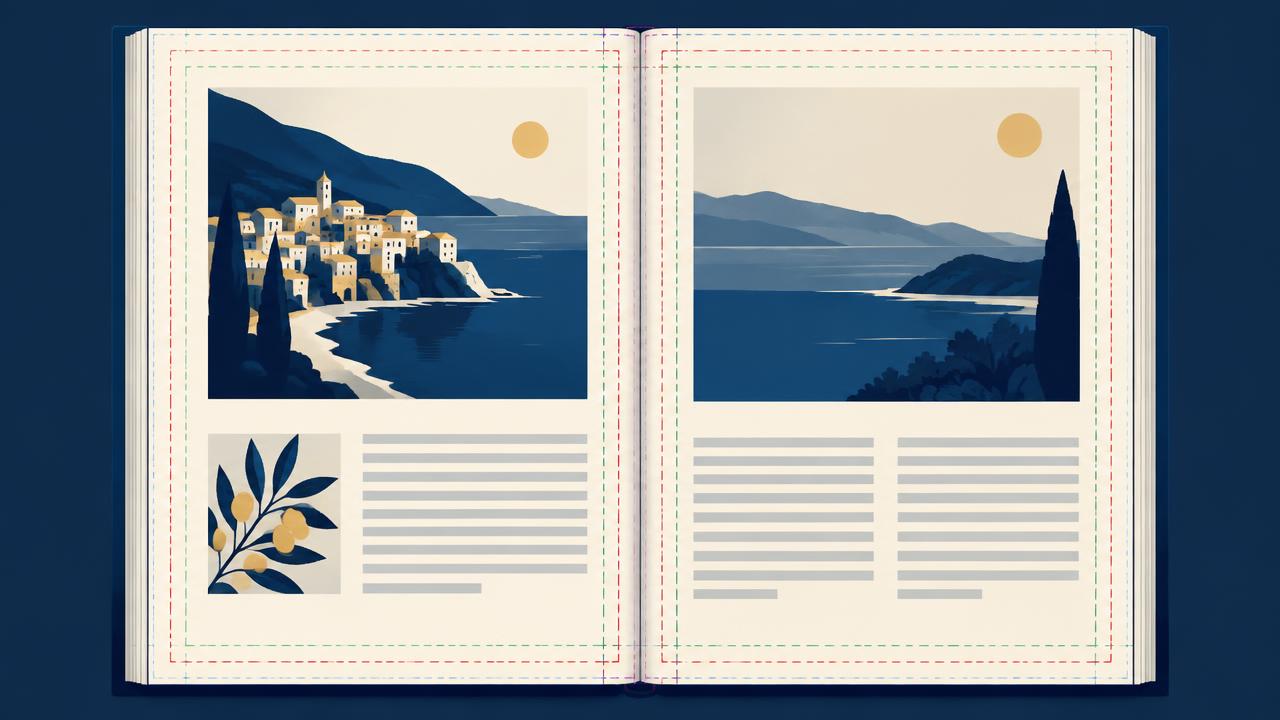
Most KDP print rejections come down to three numbers: outside margins, the gutter and bleed. Get these right in your document setup and the rest of the interior is much easier.
Outside margins are the top, bottom and outer edges. KDP's minimum is 0.25 inches without bleed and 0.375 inches with bleed. These are minimums for nothing getting cut off, not recommendations — most books look better with 0.5 to 0.75 inches.
The gutter is the inside margin, and it grows with page count because thicker books curve more at the spine. KDP's minimums are 0.375 inches for 24 to 150 pages, 0.5 inches for 151 to 300, 0.625 inches for 301 to 500, 0.75 inches for 501 to 700, and 0.875 inches for 701 to 828 pages.
Bleed means images or background color extend past the trim edge so there is no white sliver after cutting. If any element touches the edge of a page, enable bleed: your page size grows by 0.125 inches on the width and 0.25 inches on the height, and those elements must extend into that extra area.
Choose bleed or no bleed for the whole interior in KDP, and make your PDF match. A PDF with bleed uploaded as no-bleed, or the reverse, is a common rejection.
Keep text out of the danger zone. Even with correct margins, page numbers and running heads placed too close to the edge can be flagged. Keep all live text inside the margins.
Embed all fonts and flatten transparency when exporting the PDF. Missing fonts are another frequent reason the previewer reports problems.
Manucheck reads your print PDF and checks page size, margins, gutter for your actual page count, bleed consistency and font embedding before you upload, so you fix issues once instead of after a rejection email.
Check your own manuscript
Run a full analysis on your first manuscript free and see exactly which of these issues your book has.
Start free analysis